
Free SEO tools you should be using
Free SEO tools you should be using
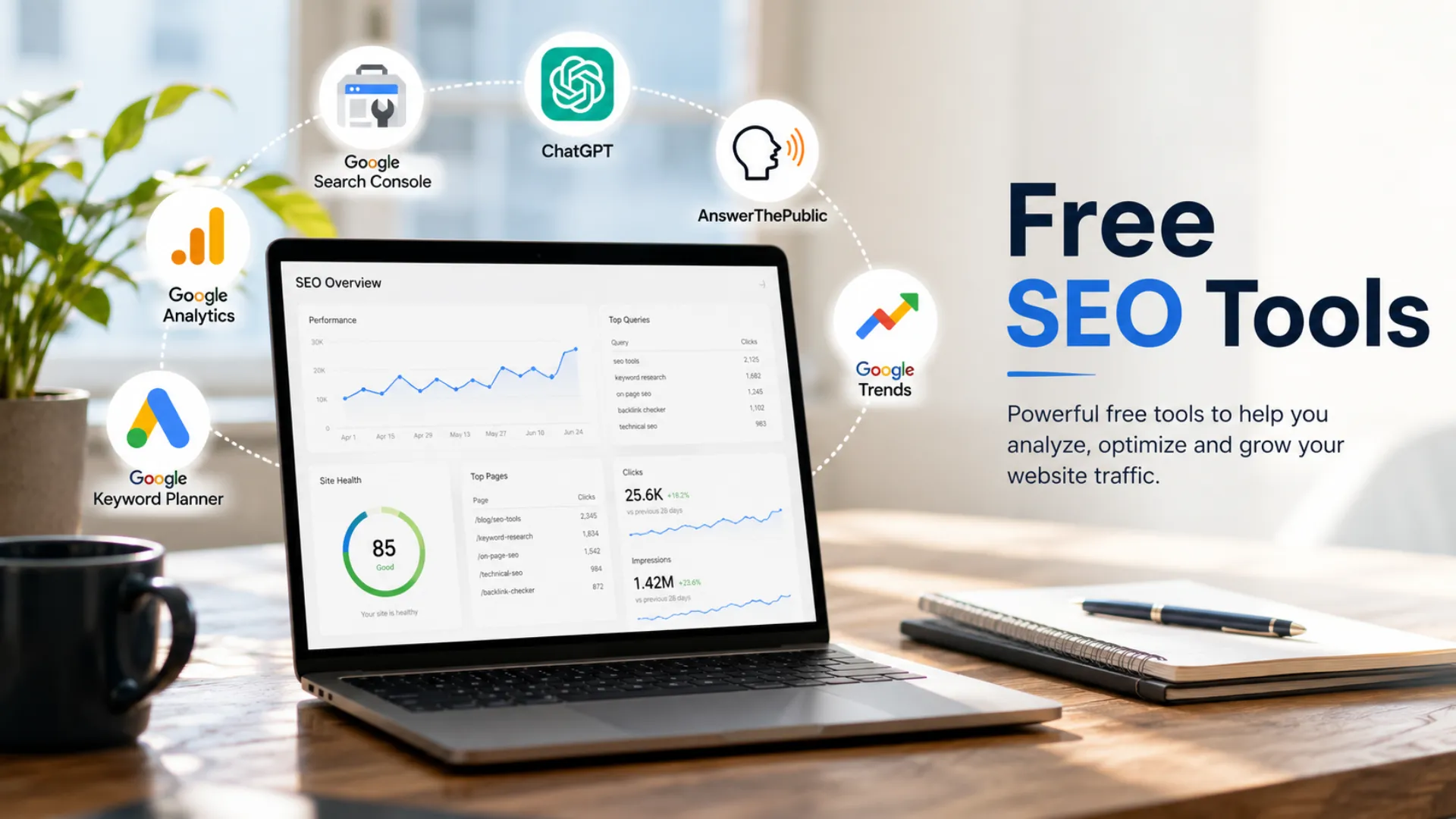
Improving your website’s visibility on Google doesn’t have to require an expensive agency retainer or a big monthly software bill. Some of the best free SEO tools available today can get a growing business most of the way there, often for the cost of nothing more than a bit of time each week.
This guide runs through the free SEO tools we’d recommend to any UK business getting started, including a few you’re probably underusing already, and where these tools stop being enough on their own. None of them require a credit card, and most take less than ten minutes to set up properly.
Google Search Console: the free SEO tool you should check every week
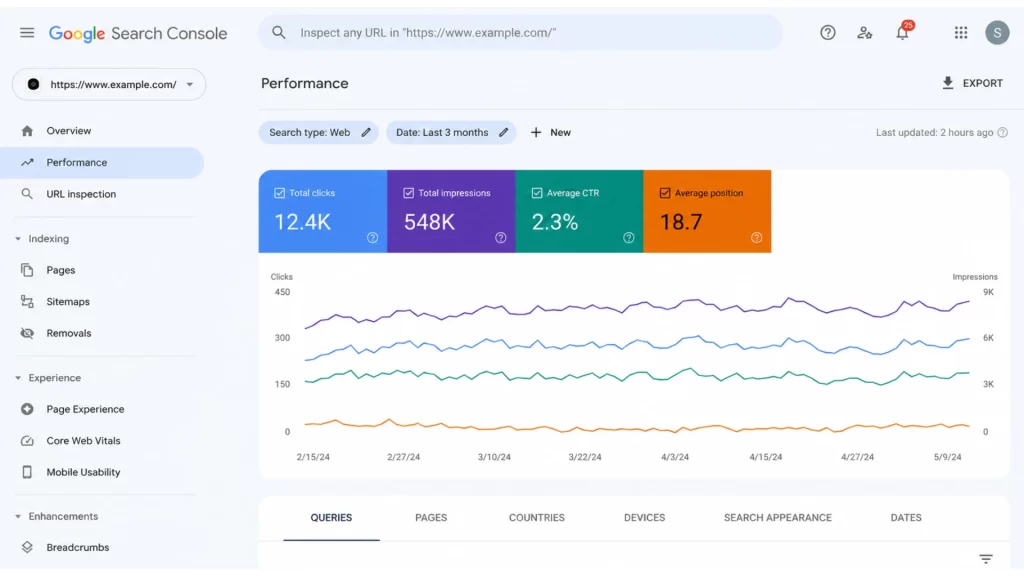
If you only ever set up one thing from this list, make it Google Search Console. It’s a free tool from Google that shows you exactly how your website is performing in search results, which is data you simply can’t get anywhere else for free.
Once it’s connected to your website, Google Search Console will show you:
-
- Which search queries are bringing people to your site, and your average position for each one
- How many people saw your page in search results versus how many actually clicked through
- Any pages Google can’t index properly, along with the reason why
- How your site performs on mobile devices compared to desktop
Checking it weekly helps you spot pages that are losing rankings before it becomes a bigger problem, and it’s the first place we look when diagnosing why a client’s website isn’t showing up for the searches that matter to them.
It’s also where you submit your sitemap and request indexing for new or updated pages, so Google knows to come and crawl them sooner rather than waiting for its next scheduled visit.
Using ChatGPT for keyword research and content ideas
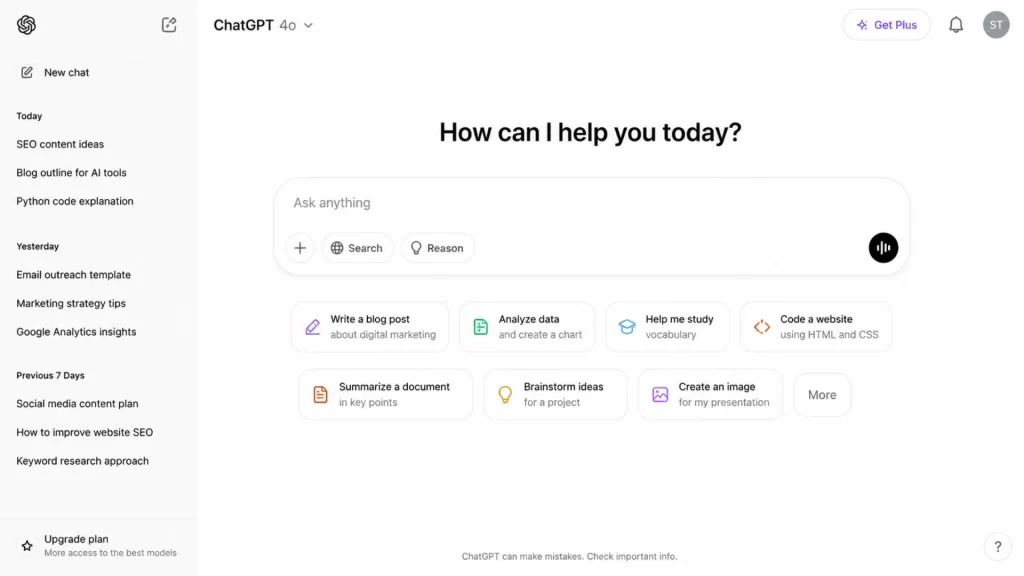
ChatGPT has quickly become one of the most useful free SEO tools for the early, unglamorous part of the process: working out what to actually write about. It won’t replace dedicated keyword research tools, but it’s a genuinely useful thinking partner when you’re stuck on where to start.
Some practical ways to use it include:
-
- Asking for a list of related topics and questions people search around your main keyword
- Getting a first draft content outline that you can then fact-check and rewrite in your own voice
- Requesting a handful of meta description options within a set character limit
- Reviewing a page you’ve already written and asking what subtopics might be missing
The important caveat is that ChatGPT can get facts wrong and has no real insight into current search volume, so treat it as a brainstorming tool rather than a source of truth, and always verify anything it tells you before it goes live on your site.
AnswerThePublic for real keyword research on what customers ask
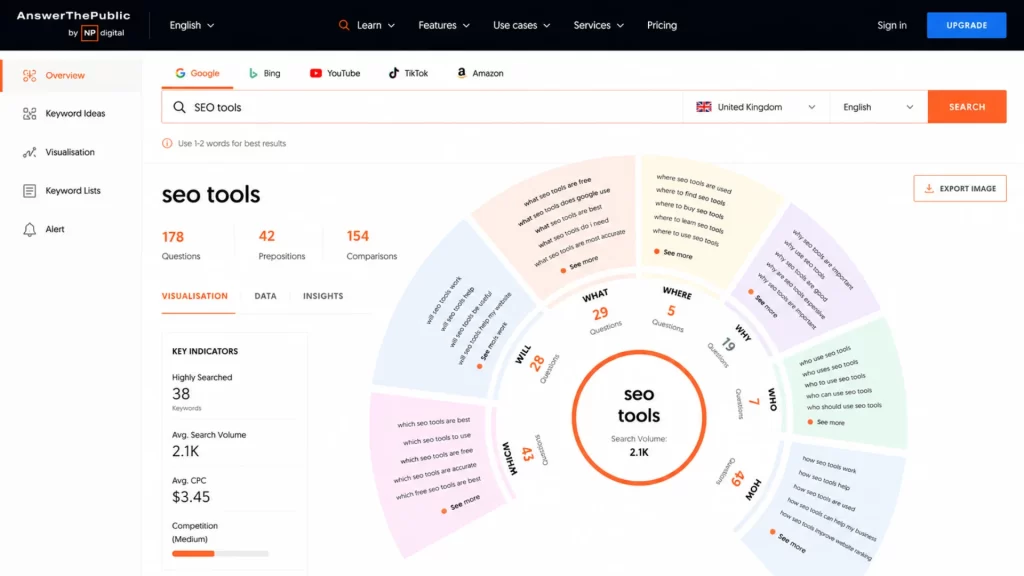
AnswerThePublic takes a single keyword and turns it into a visual map of the actual questions, comparisons, and phrases people type into search engines around that topic. For content and keyword research, it’s one of the most genuinely useful free tools out there.
It’s particularly good for:
-
- Finding blog topic ideas based on real search behaviour rather than guesswork
- Uncovering the exact wording customers use, which you can then reuse in your headings and copy
- Spotting comparison and “versus” style searches worth writing dedicated pages for
The free plan limits you to a handful of searches a day, so it’s worth batching your keyword research into one session rather than checking it constantly throughout the week.
Google Analytics: understanding what happens after someone clicks
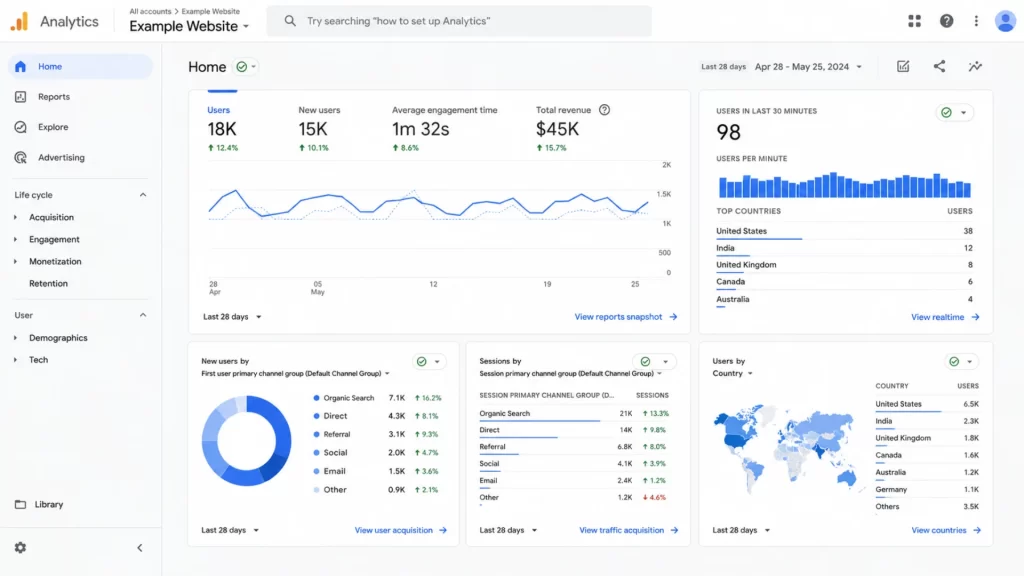
Google Search Console tells you how people find your site, but Google Analytics tells you what they do once they arrive, which is just as important. Knowing that a page ranks well means nothing if visitors land on it and immediately leave.
A few reports worth checking regularly:
-
- Traffic acquisition, to see how much of your traffic comes from organic search versus social media, referrals, or paid ads
- Landing page performance, to spot which pages keep people engaged and which ones don’t
- Engagement and conversion data, to connect your SEO work to actual enquiries or sales
Used alongside Google Search Console, Google Analytics gives you the full picture: what people searched for, whether they clicked, and what they did next.
A few more free SEO tools worth adding to your toolkit
Beyond the core four above, there are a handful of other free tools worth knowing about once you’ve got the basics covered:
-
- Google Keyword Planner, originally built for ads but genuinely useful for checking search volume on organic keyword ideas
- Google Trends, for spotting which of two similar keywords is more popular, or whether a topic is seasonal
- Bing Webmaster Tools, which mirrors much of what Google Search Console offers, and matters more than people expect since it also affects visibility in Bing-powered AI chatbots
- Keywords Everywhere, a browser extension that shows search volume data directly in your search results
Following good SEO blogs to stay ahead of the algorithm
Search engines change constantly, and what worked last year isn’t guaranteed to work this year. Following a small number of reputable SEO blogs, such as Google’s own Search Central blog, Search Engine Journal, or Search Engine Land, is a free and simple way to stay on top of major updates before they catch you off guard.
We publish practical guides on web performance and search visibility on our own blog too, so it’s worth bookmarking a few sources you trust and giving them a quick read once a week rather than trying to keep up with everything. It doesn’t need to take long. Ten minutes with your coffee on a Monday morning is usually enough to catch anything that actually affects your website.
Why free SEO tools are a great starting point, but not the whole picture
Free SEO tools are brilliant for understanding what’s happening with your website, but they don’t fix the underlying problems they reveal. If Google Search Console shows pages aren’t being indexed, or Google Analytics shows visitors landing on a page and leaving straight away, the fix usually comes down to how the website itself is built.
That’s where working with a web design partner who understands both design and search performance makes a real difference. Our approach to web design bakes in clean structure, fast load times, and clear content from the start, rather than trying to patch problems in after launch.
The same goes for repetitive SEO tasks like reporting or content briefs. If you’re already using ChatGPT for keyword ideas, our AI automations work can connect tools like this directly into your existing workflow, so insights turn into action without extra manual work each week.
Want help turning SEO insights into real website performance?
If these free SEO tools have highlighted issues you’re not sure how to fix, we’d be happy to take a look. Our team builds websites designed to perform well in search from day one, and we can talk you through practical next steps for yours.