
AI automation for Manchester businesses: 5 real workflow examples
AI automation for Manchester businesses: 5 real workflow examples
AI automation for Manchester businesses gets talked about in two very different registers. One is the vague, slightly breathless version — “AI will transform your business” — that tells you nothing about what actually changes on a Tuesday morning. The other is the practical version: a specific task, done by a specific person, that now runs quietly in the background instead.
This guide sticks to the second version. Manchester’s business mix — professional services around Spinningfields and NOMA, retail and e-commerce, agencies and media businesses near MediaCityUK, manufacturing and logistics across Greater Manchester — has plenty of the same repetitive admin that shows up in every growing business. Below are the workflows we see automated most often, what they actually replace, and how to think about picking your first one.
Why Manchester businesses are turning to AI automation now
The pattern behind most automation projects is the same regardless of sector: a business has grown past the point where manual processes hold up, but not to the point where it can justify a much bigger team. Enquiries come in through more channels than before. Admin that used to take an hour now takes three, because there’s more of it. And the people doing that admin were usually hired to do something else.
Government data backs up how quickly this has shifted. According to the UK Business Data Survey 2026, 41% of UK businesses that handle digitised data said they used AI-based technologies in 2025 to 2026. The same survey found adoption varied by business size and sector, so the figure is useful context rather than a Manchester-specific benchmark.
AI automation for Manchester businesses: 5 real workflow examples
These are the categories of workflow we build most often. They’re deliberately generic rather than tied to one named client, because the same underlying pattern shows up across very different Manchester businesses.
Lead capture, qualification and routing
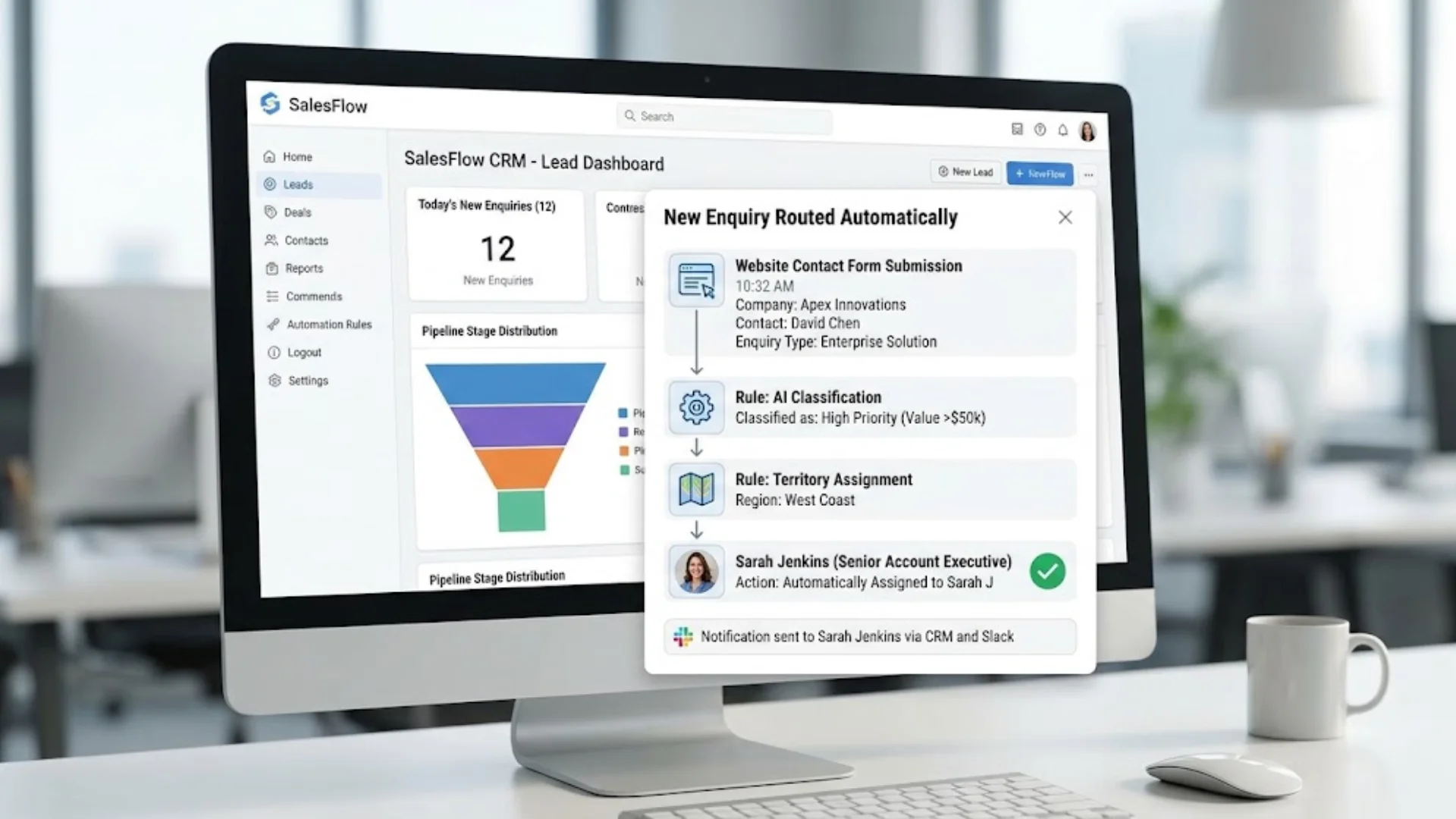
A new enquiry comes in through a website form, a phone call, or a WhatsApp message. Instead of sitting in an inbox until someone has time to look at it, an automated workflow reads the enquiry, checks it against basic qualification criteria, and routes it straight to the right person or team — with a confirmation sent back to the customer in the meantime. Property agencies, professional services firms and trades businesses across Manchester all run some version of this, because a slow first response is one of the most common reasons a lead goes cold.
Customer communication and follow-up
Retail, hospitality and service businesses lose a surprising amount of revenue to enquiries that simply never get a reply, or get one too late to matter. A chatbot or WhatsApp-integrated automation can answer common questions instantly, capture the details of anything more complex, and trigger a follow-up sequence automatically — so a customer who messages at 9pm on a Sunday still gets a useful response, and a human only gets involved once there’s something worth their time.
Invoice and admin processing
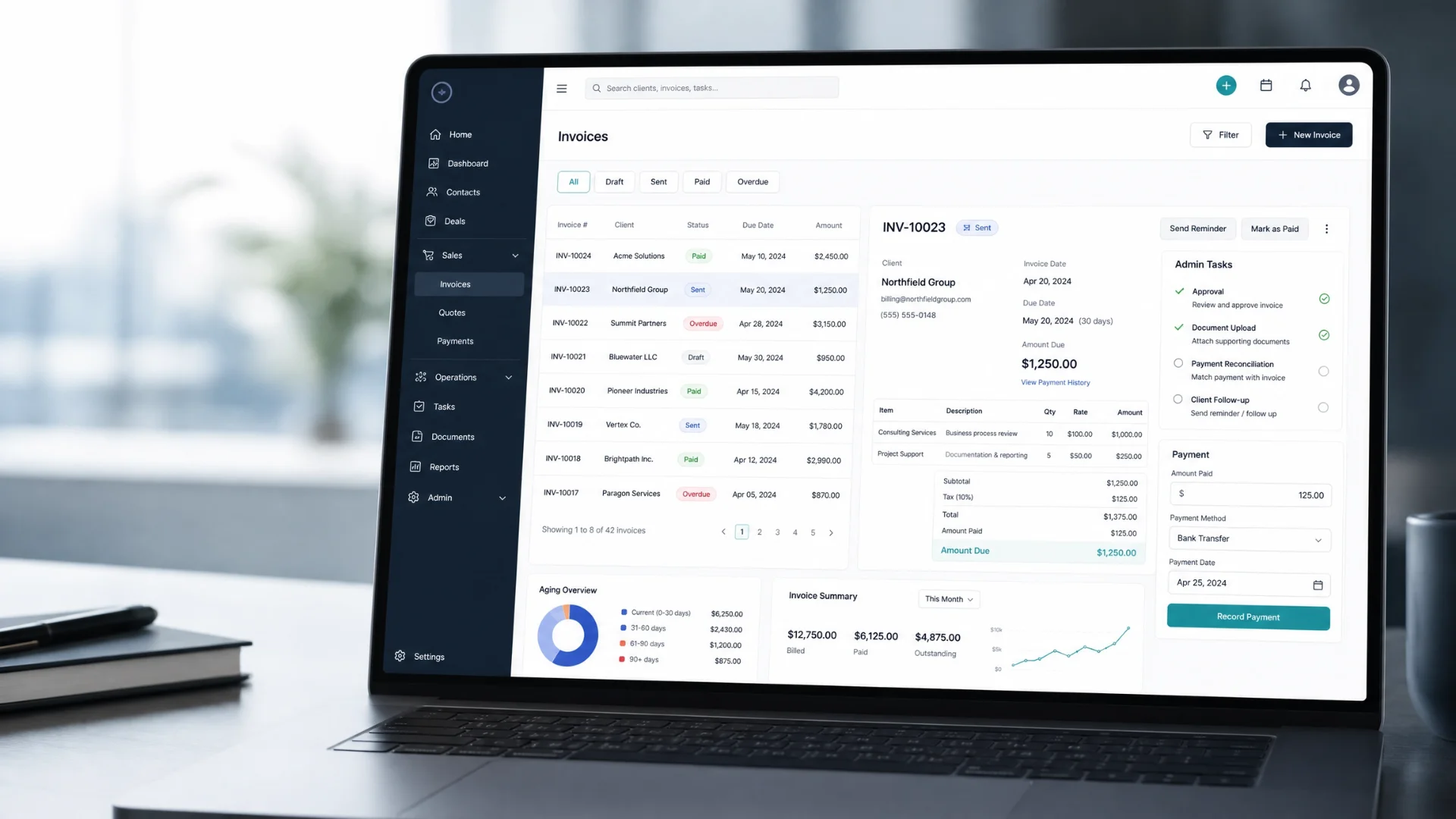
Accountancy practices, agencies and logistics businesses tend to have the most repetitive admin of all: invoices to process, data to re-key between systems, reports to compile on a schedule. Automating this doesn’t usually mean replacing the finance function — it means the software handles the transcription and formatting, flags anything unusual for a human to check, and frees up qualified staff to spend their time on the judgement calls that actually need them.
Internal handoffs and reporting
Manufacturing and operations-heavy businesses across Greater Manchester often run on a patchwork of spreadsheets that one person understands properly. Turning that into a connected system — where a job status update in one place automatically updates a report, a stock level, or a customer notification somewhere else — removes a huge amount of manual copying and the errors that come with it, without requiring anyone to change how they actually do their job.
Meeting notes and CRM syncing
Agencies and consultancies lose real, billable time to writing up call notes and updating a CRM afterwards — and it’s often done inconsistently, depending on who’s doing it and how busy they are. Automating this step means notes, action points and next steps are captured and logged automatically, so the account team spends that time on the next piece of client work instead.
What makes an AI automation project actually work
The businesses that get real value from AI automation tend to share one habit: they map the actual task before they automate anything. A workflow that looks simple from the outside — “just reply to enquiries automatically” — usually has edge cases, exceptions and judgement calls buried inside it. Skipping that mapping step is the most common reason an automation project underdelivers.
- Start with a task that’s repetitive, well-defined, and currently done the same way by whoever picks it up — not a task that already relies on individual judgement.
- Be honest about what shouldn’t be automated. Some workflows are worth automating heavily; others work best with AI doing the groundwork and a person making the final call.
- Plan for the systems it needs to connect to. An automation that doesn’t talk to your CRM, website or messaging platform tends to just create a new isolated tool rather than removing work.
- Test with real volume before rolling it out fully, so exceptions surface while they’re still easy to fix.
Ready to see where automation could help your business?
The clearest way to find your first automation win is a short conversation about where your team’s time is actually going, not a generic list of AI features.
How to choose the right first automation for your business
- Pick the task that’s both high-frequency and low-judgement — the more often it happens and the less it requires a genuine decision, the better a first candidate it is.
- Look for a task that’s currently causing visible pain — a missed lead, a late invoice, a customer chasing a reply — rather than one that’s simply mildly inefficient.
- Choose something that connects to systems you already use, so the automation strengthens your existing setup rather than adding another disconnected tool.
- Start with one workflow, measure what changes, and use that as the case for the next one — rather than trying to automate everything in a single project.
So, is AI automation worth it for your Manchester business?
For most growing businesses, the honest answer is yes — but the value comes from picking the right workflow, not from adopting AI in general. A well-scoped automation removes a genuinely repetitive task and gives time back to the people who were doing it manually. A poorly scoped one just adds another system to maintain. The difference almost always comes down to whether the task was properly mapped before anyone started building.
If you’re weighing up where AI automation could help your Manchester business, our team can walk through your current processes and identify the workflows most likely to make a real difference — without the hype.
Frequently asked questions
What’s a realistic first AI automation project for a small business?
Lead capture and response is usually the easiest starting point — it’s high-frequency, clearly defined, and the cost of getting it wrong (a lead going cold) is easy to see. It also tends to connect neatly to a CRM or messaging tool you likely already use.
Does AI automation replace staff?
Not automatically. In the workflows described here, the aim is usually to remove repetitive steps and hand exceptions or judgement calls to people. Staffing effects vary by business and process, so it is better to judge an automation by time saved, error reduction and service quality than to assume it will remove a role.
How long does an AI automation project usually take?
A single, well-scoped workflow — such as lead routing or a customer communication sequence — can often be delivered in weeks rather than months, but there is no universal timetable. Integration complexity, data quality, testing and approval requirements can extend the schedule, so any delivery estimate should be confirmed after the workflow is mapped.
Do I need to overhaul my systems to start automating?
Usually not. Most automation projects connect to the tools a business already uses — website forms, WhatsApp, a CRM, a booking system — rather than requiring a wholesale replacement of existing software.
The workflow examples in this guide describe common categories of AI automation project rather than a specific named client, and are intended as general illustration rather than a guarantee of results for any particular business.
Ready to see where automation could help your business?
The clearest way to find your first automation win is a short conversation about where your team’s time is actually going, not a generic list of AI features.